Fix Problems in Chrome with this Google Tool
Dan Bailey, president • December 10, 2016

Is your Chrome browser acting strangely? Are you using Chrome but having challenges that seem to have cropped up? If you’re tired of it and want to try to fix the problem yourself, read on!
If you’re experiencing any of the following:
- Your home page is changed to a different website.
- Your search results aren’t from Google anymore and have a different search engine logo at the top.
- You see strange extensions added in the tool bar.
- You see advertisement in web pages that you know doesn’t belong there.
- New tab pages open by themselves, or can’t be closed.
- You receive the message “disabled by the administrator” when trying to update Chrome or remove an extension on your own computer.
If you’re using Microsoft Windows, then you may benefit from running the Chrome Cleanup Tool. If that doesn’t solve your problem, give us a call. We’ll be happy to clean up your computer and get you back to running on an even keel again!
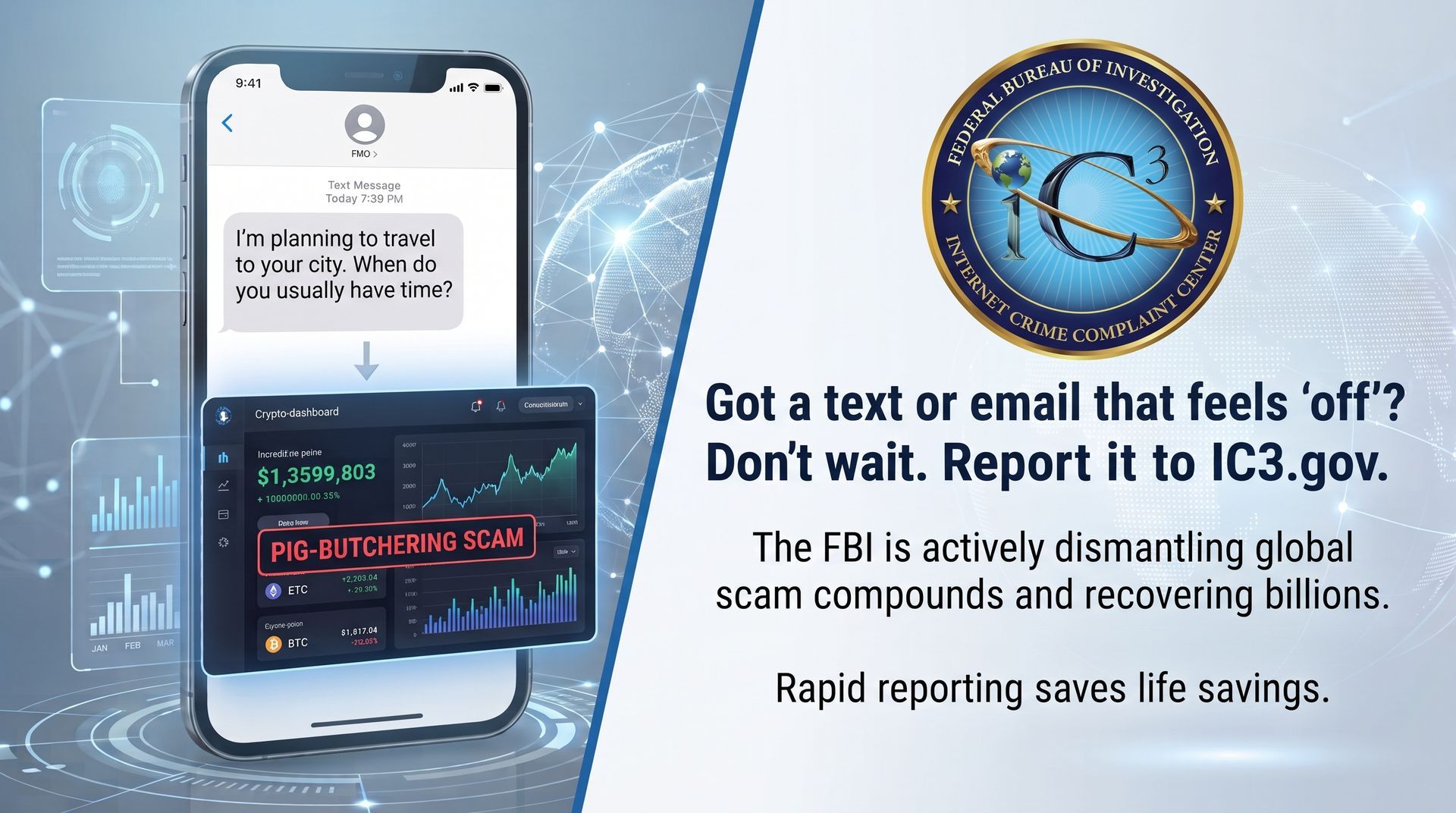
Stop deleting scam texts! FBI Director Kash Patel explains why reporting every suspicious message to IC3.gov is the key to taking down global cybercriminals.
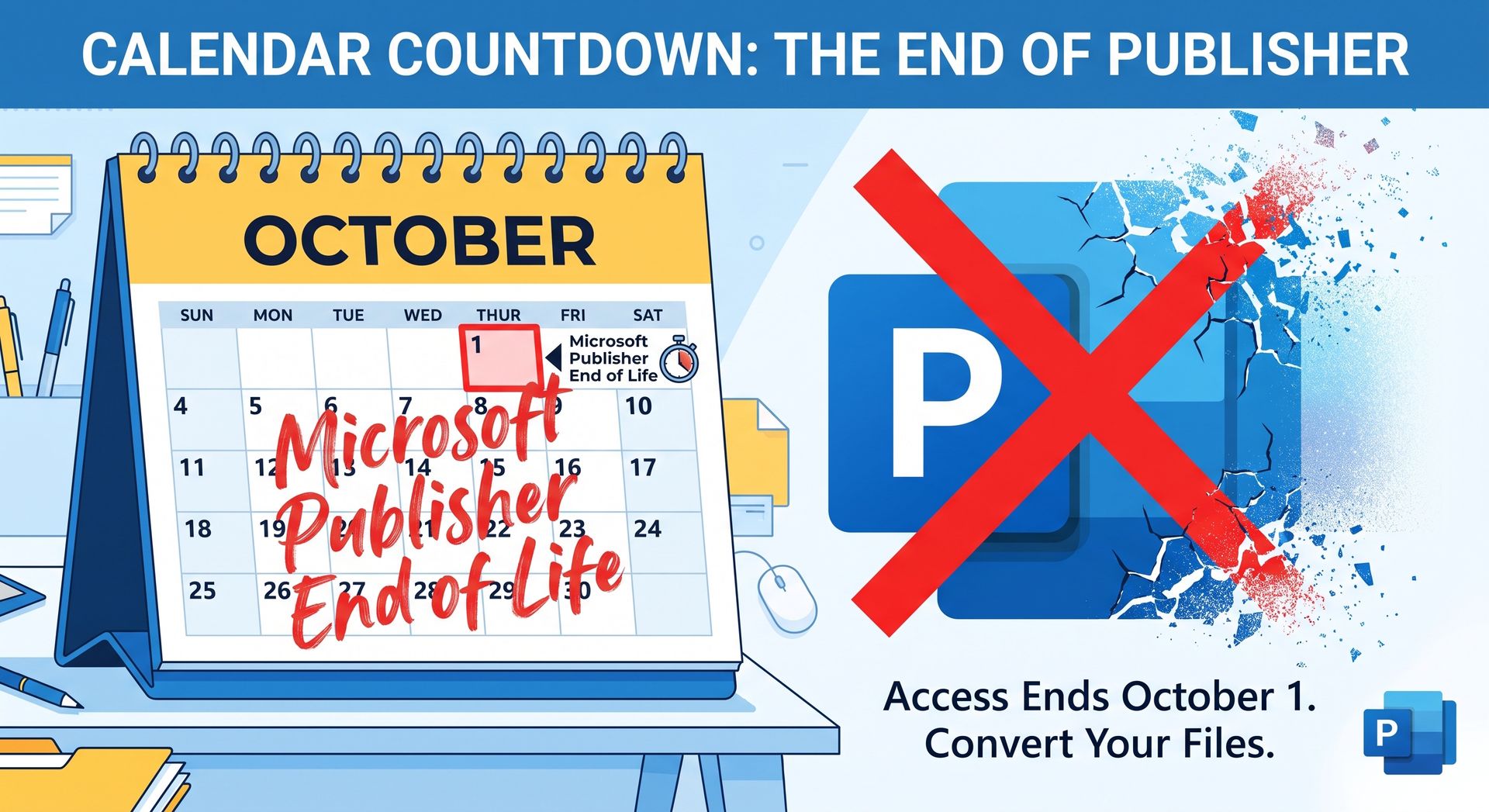
Microsoft Publisher is retiring! Iowa PC Services can help safely convert your .PUB files to PDF before the Oct 2026 deadline. Call us at 515-299-4555.
We've Made Our Customer Portal More Convenient

How to identify fake invitations that are being used to compromise your identity, and what to do if you have clicked on a fake invitation.
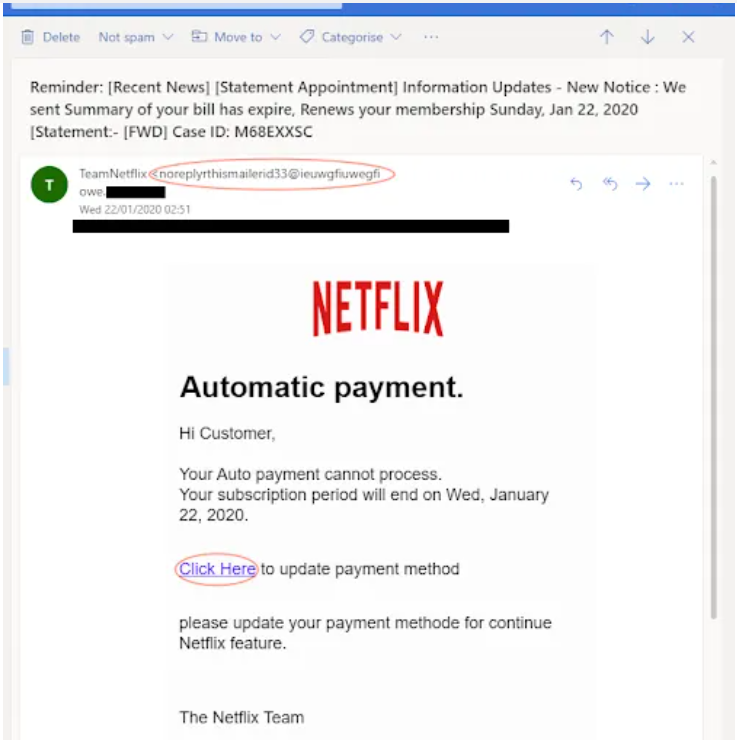
Spotting the Red Flags of Scam Emails

Sometimes there’s more than just an enticing product offer hiding behind an ad.

Imagine if phone calls and texts suddenly stopped coming to your mobile phone, and were delivered to an identity thief. Find out how to keep this from happening to you!

Here's a description of our "IPCS Monitoring Tier 1 Monthly" service, also known as "Remote Monitoring & Maintenance", or RMM for short.

It was a great day when Anne Ogle joined Iowa PC Services, Inc. as a scheduler! Since that time her responsibilities have grown and she now serves as Administrative Assistant. Anne is still the pleasant, helpful voice our customers look forward to hearing when they call. Most recently, Anne has been doing the social media posts for IPCS - perhaps you have seen them? Her organizational skills and good communication are a huge part of our serving you and we simply don't know what we would do with her! Please join us in congratulating Anne on 8 great years with IPCS!

Use a password manager now! Here's why...