That Party Invite Could Be a Trap
How to Spot the Fake E-Vite Scam
Have you ever received a digital party invitation from a friend, only to find out later that their email was hacked? If so, you aren’t alone.
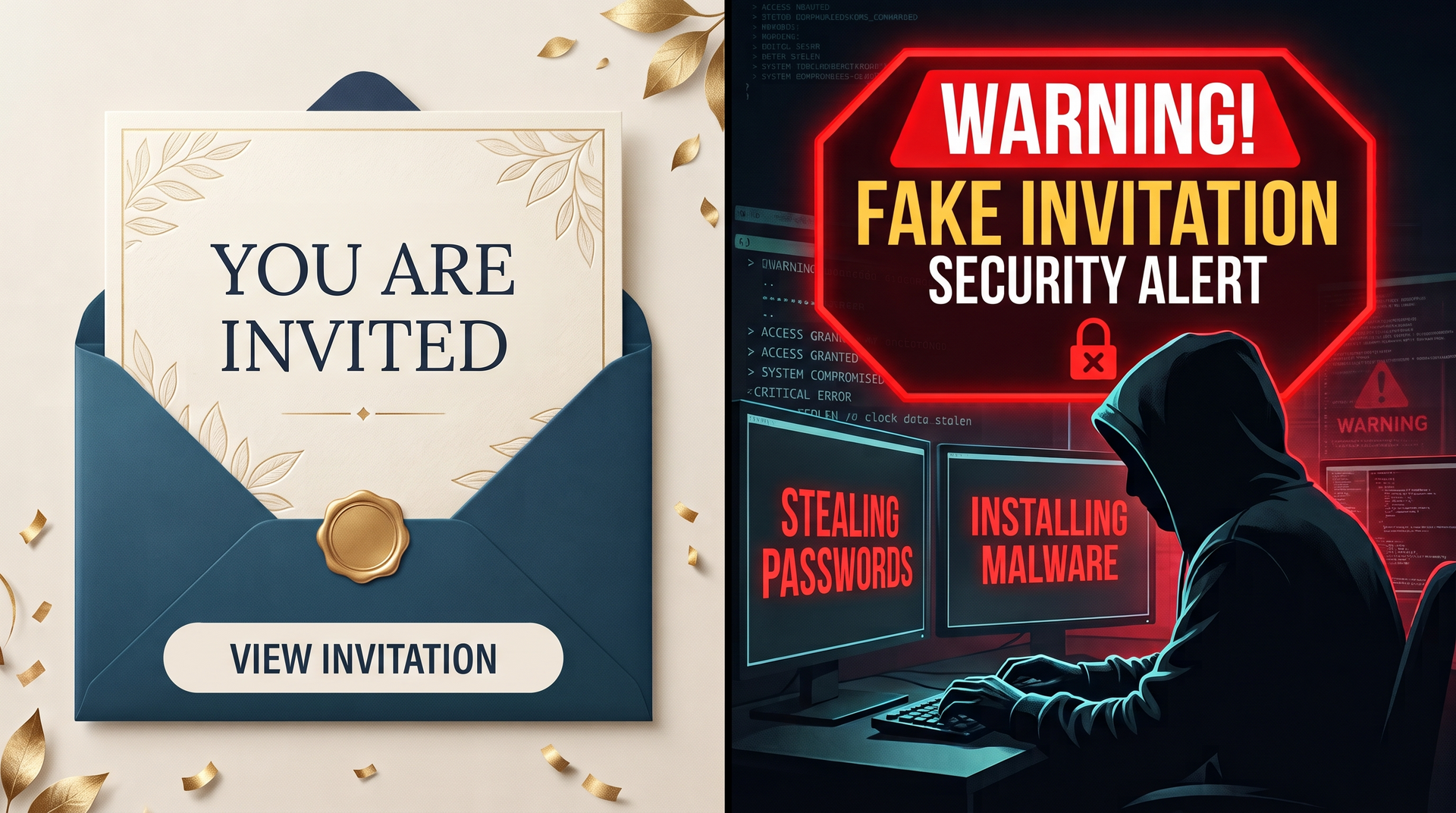
Cybercriminals are increasingly abandoning traditional "fear-based" phishing—like fake IRS warnings or blocked bank accounts—and are instead using joy against us. They are spoofing popular digital invitation platforms like Punchbowl, Evite, Paperless Post and others to steal your passwords and infect your computer.
Because these emails are usually forwarded from the compromised account of someone you actually know, they easily bypass both spam filters and your natural skepticism.
How the Scam Works
When you click “RSVP” or “View Invitation,” one of two things typically happens:
- The Password Trap: You are taken to a screen that asks you to log in with your email provider (like Google, Microsoft, or Yahoo) to view the event. Once you type your password, the hackers take over your inbox and send the same scam to all of your contacts.
- The Malware Trap: The link secretly downloads malware to your device. This software can harvest your stored passwords, log your keystrokes, or give hackers remote access to your system.
5 Ways to Spot a Fake Invitation
Before you click to see who is hosting the next neighborhood block party or office baby shower, check for these red flags:
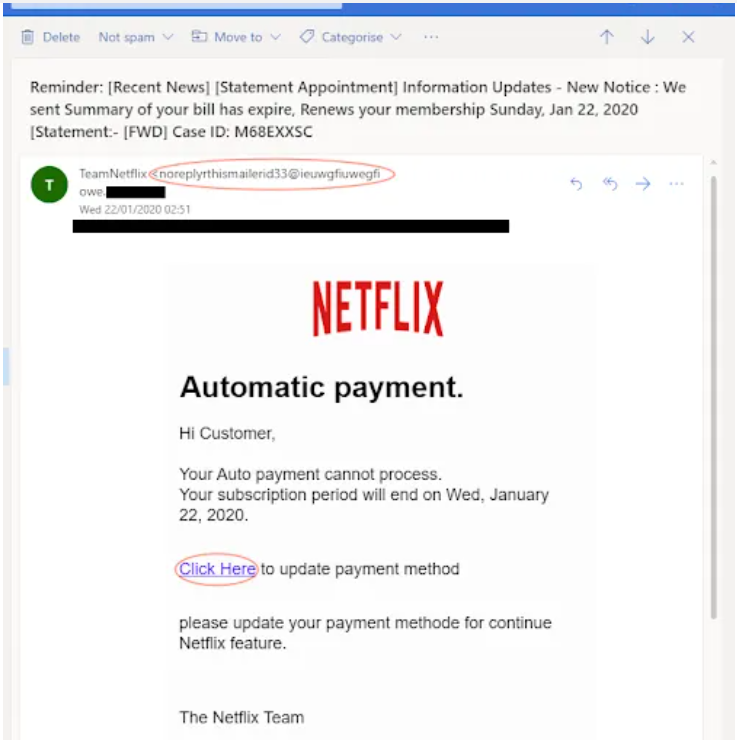
- Check the Sender's Address: Legitimate invites come from the platform's official domain (e.g.,
mail@mail.punchbowl.comor an@evite.comaddress). If the email comes directly from your friend's personal Gmail or Yahoo account, their account is compromised, and the link is malicious. - "Open on Desktop" Warnings: Real invitation platforms are mobile-friendly. If the email instructs you to "open this on a laptop or desktop computer for the best experience," delete it. Hackers say this because their malware is designed to infect computers, not phones.
- Unexpected Login Requests: A legitimate Evite or Punchbowl will never force you to type in your email password to view an invitation.
- Attachments: Real digital invitations don't use attachments. If the email has a PDF, ZIP, or EXE file attached, it is a scam.
- Trust your gut: If an old acquaintance you haven't spoken to in five years suddenly sends you an invite, text or call them to verify it before clicking anything.
What to do if you clicked:
Disconnect your computer from the internet immediately. From a different device (like your phone), change your email password and enable Two-Factor Authentication (2FA). Then, give us a call at 515-299-4555 so we can cleanup your computer to ensure no persistent malware is hiding in the background.