The End of Microsoft Publisher: Don't Lose Access to Your Documents!
Publisher fans: You won't be able open any of your
.PUB
files!
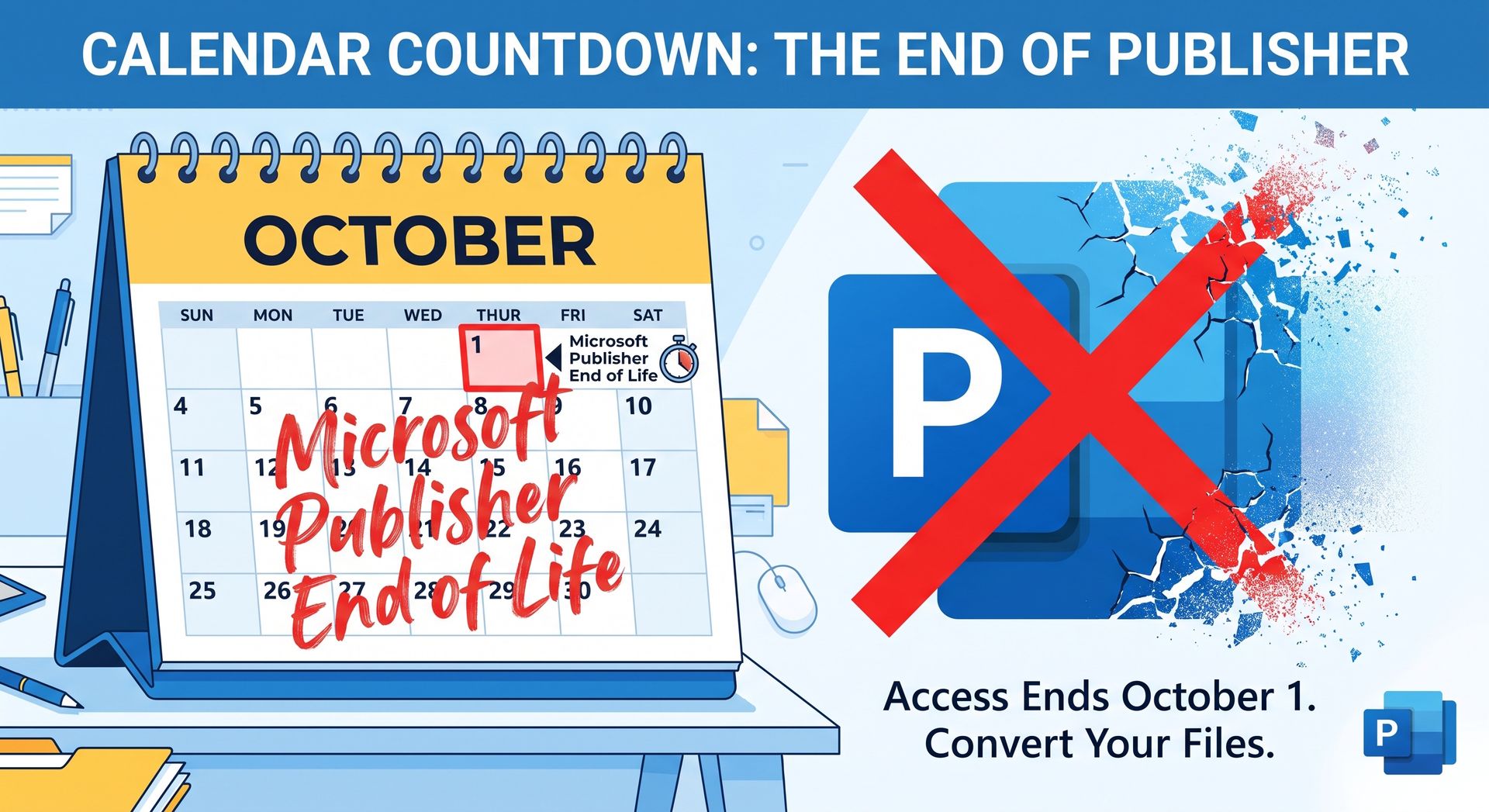
Microsoft Publisher has been a go-to tool for creating flyers, newsletters, calendars, and more for decades. But if you or your business rely on this program, there is a critical deadline quickly approaching: Microsoft is officially dropping support for Publisher in October 2026.
What Does This Mean for You? The "end of life" for Publisher means different things depending on how you currently access the software:
- Microsoft 365 Subscribers (Hard Deadline): If you access Publisher through a Microsoft 365 subscription, you will not be able to access Publisher after October 1, 2026. You will be locked out of the app, meaning you cannot open, view, or edit any of your
.PUBfiles. - Perpetual License Owners (Office 2021 and Earlier): If you purchased a standalone, one-time perpetual license (such as Consumer Office 2021 or earlier), official support will end on October 13, 2026. However, unlike the subscription version, you will still be able to install and use the application beyond this date. While it will continue to technically function for a time, it will no longer receive technical support, bug fixes, or critical security updates.
- LTSC Licenses: The Long Term Servicing Channel (LTSC) version of Office 2021 will also lose Publisher support on October 13, 2026. Keep in mind that LTSC licenses are designed for large-scale enterprises with restricted environments and volume licensing agreements, so they are not easily accessible for everyday individuals.
- Office 2024 and Newer: If you are planning to just upgrade your Office software, beware: Microsoft Publisher is not included in Office 2024 (or newer versions) because of the impending retirement.
You Must Convert Your Files NOW It is incredibly important to convert your existing Publisher documents to PDF files before Publisher stops working.
Fortunately, Microsoft has provided a helpful script that batch-converts these files to PDFs. It works extremely well, automatically creating a safe, accessible PDF version for each
.PUB
file right in the same folder where your originals are stored. (Note: This script has been highly successful for almost all Publisher documents, with the exception of envelope documents, which currently do not convert for some reason.)
CRITICAL WARNING: This provided conversion script relies entirely on having an active, working copy of the Publisher desktop app installed on your machine. Once Publisher stops working for Microsoft 365 users, the conversion script will also permanently break. You cannot wait until the deadline passes to try and convert your files!
Life After Publisher: What Should You Use Next? Because Publisher is going away, it’s time to start familiarizing yourself with a new program for your layout and design needs. At Iowa PC Services, we recommend exploring these excellent replacements, depending on your workflow:
- Affinity Publisher: A powerful, professional-grade desktop publishing tool.
- Scribus: A robust, free, and open-source page layout program.
- LibreOffice Draw: A great, free alternative that comes bundled with the LibreOffice suite, perfect for basic flyers and diagrams.
We Are Here to Help! Transitioning to new software and securing your old files can be daunting, but you don't have to do it alone. If you need assistance running the script to convert your existing Publisher documents before the impending deadline, or if you'd like help getting set up and started with a new program, we've got you covered.
Give us a call at 515-299-4555 to schedule an appointment today. Don't wait until it's no longer possible—secure your files now!