Learning to Spot Scam Emails
Spotting the Red Flags of Scam Emails

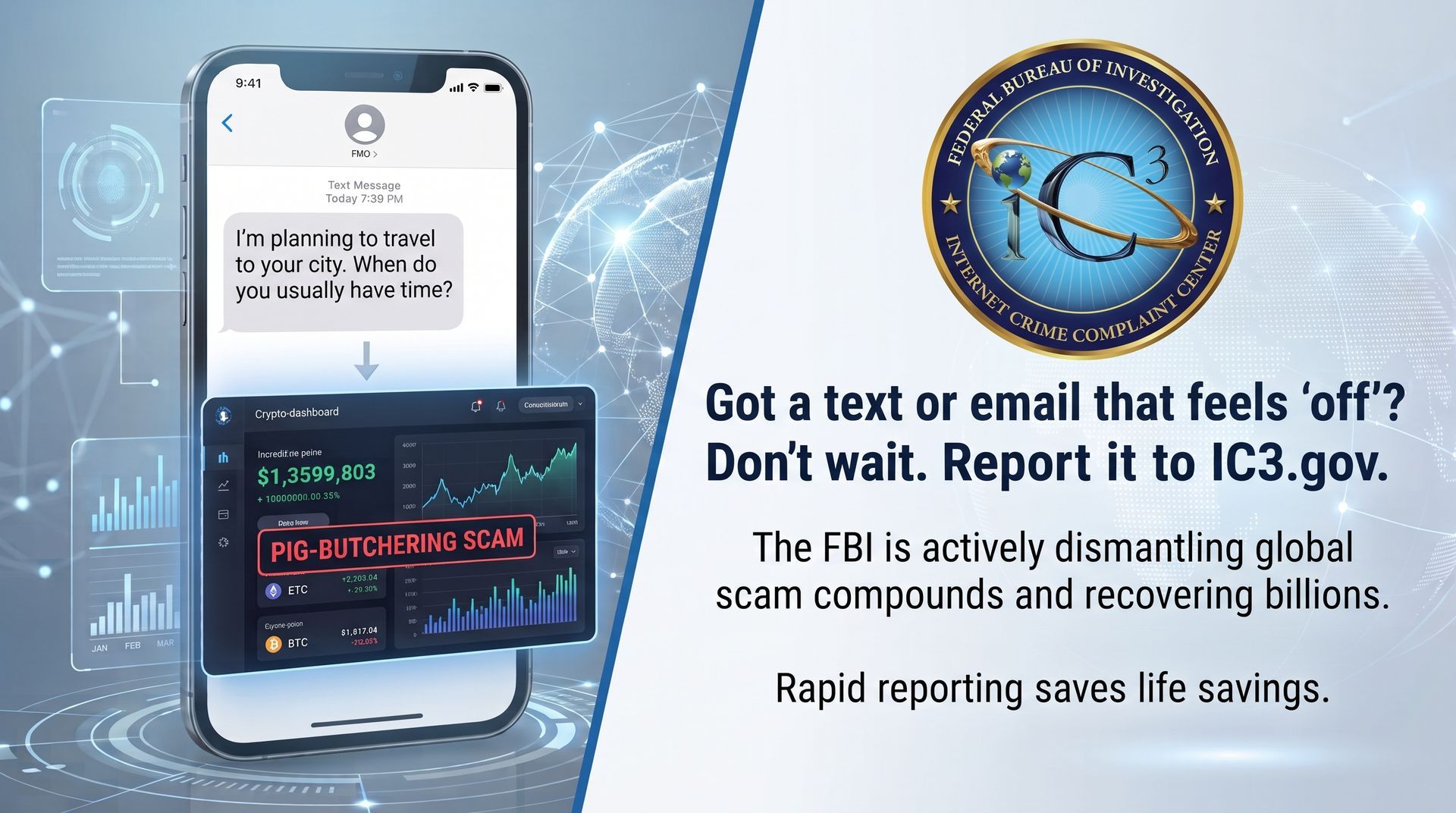
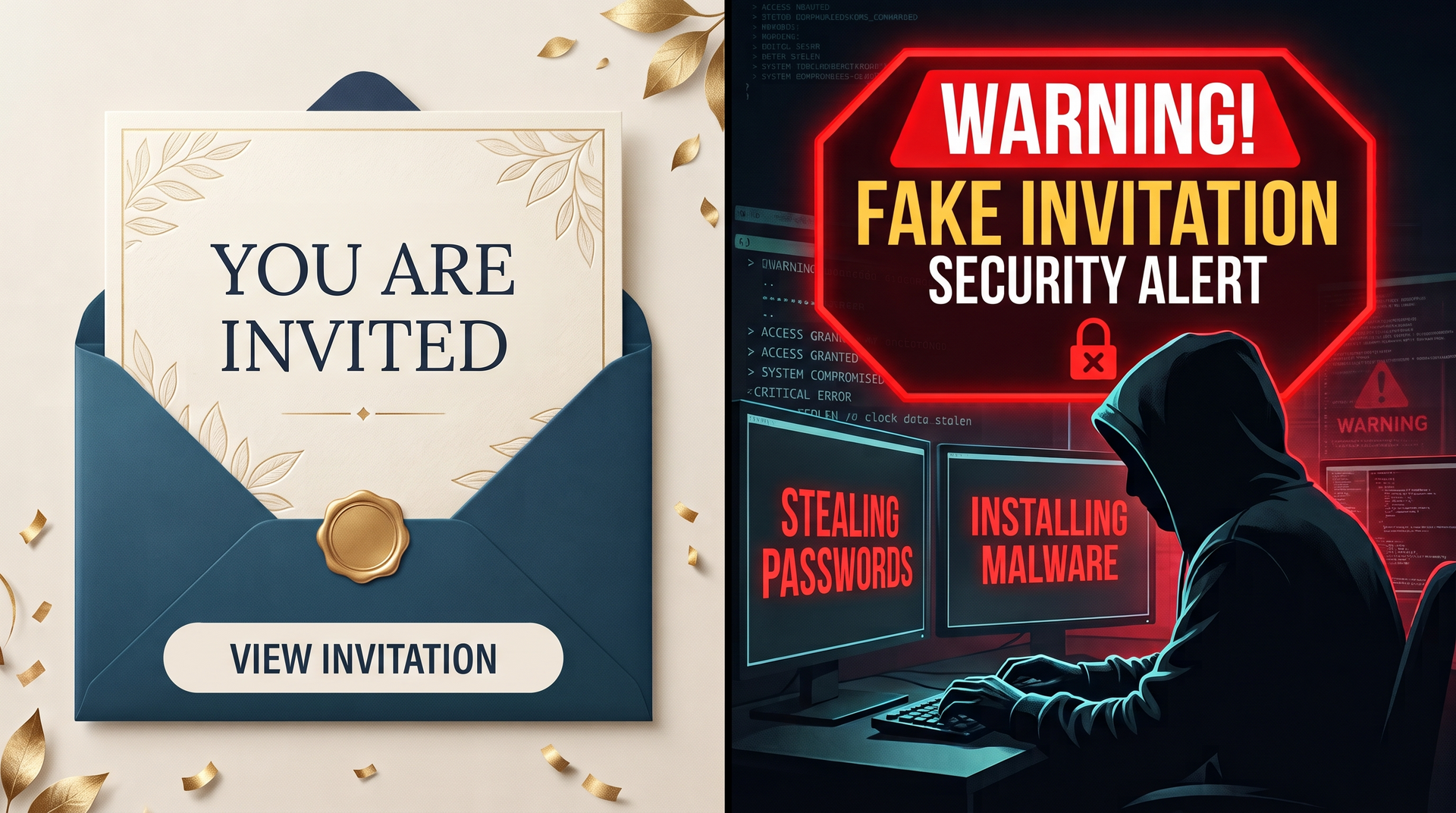
How can you tell when an email message is legitimate? We all receive emails that pretend to be something they are not. They may claim to be from a well-known company, like Amazon, Microsoft, Dell, Norton or others. They may claim to be from a government agency, or they might even tell you that. They all have some shock-value that is designed to get you to act in haste, without judgement, and in a way that actually causes the real problem. Here are a few things to watch for:
They look like the real deal. The email looks like it’s from a legitimate source and it can often be difficult to spot the difference between real and fake. At times it’s as small as a period placed where it shouldn’t be or intentional misspelling of the business name that is easy to overlook when quickly skimming over the email. A big red flag would be if it’s from a government agency. The SSA and IRS will not contact you through email if there is a problem. If a business is sending you an email, it's official name will be in the email address. In other words, a legitimate message from Amazon will have an email address that ends with @amazon.com - not @gmail.com, @yahoo.com, @hotmail.com, etc.
They tell you there is a problem. They will claim that the problem is urgent and needs immediate attention. It might even give a list of potential issues (unprotected passwords, virus threats, hostile takeover of system, access to banking information) that may arise if nothing is done. Strangely, that list is exactly what the scammers want to do by getting us to interact and believe their schemes. Red flag in this case is threatening the security of your personal information.
They demand payment. Or they will say your account will be charged, making you think they have access. More specifically there is demand to pay a certain way like a money order or buying gift cards. As scary as it seems this is a trick used to get you interacting with them. Because if they can get you to click the link or call the number about money they say you owe them, they’re one step closer. Red flag would be asking for any personal information pertaining to bank accounts.
They claim that you have already been charged. They are counting on you calling them to correct the problem, but if you do, they have very "helpful" people on staff who will trick you in one of many ways to give them more money.
One such scheme involves them remoting into your computer, and then helping you navigate to a page that seemingly will provide you with the refund you are looking for, $300, for example. You will be prompted to enter the amount of the refund you desire, and as you type the number 300, they also type an extra zero so that the number entered becomes 3000, and then click the submit button so that you supposedly will receive a much larger refund than you are due. Then, to fix that, they will ask you to send them $2700 to correct the error. In reality, the only real transaction that happens is the final one. The initial $300 was never charged, the $3000 refund did not happen, but the $2700 transaction back to them does happen, making that the amount of money you lose.
The best course of action when you wonder if you have actually been charged $300 is: First, don't panic, and don't call the number given in the email. Instead, check with your own bank to see if that amount has been charged. Your bank will not scam you, and you can then rest assured that the message was fraudulent
What can you do about these scam emails? The best way to deal with them is to mark them as SPAM in your email so you get less of them. Resist the pressure that you act immediately and call your trusted Iowa PC Services if you’re still not sure. We are happy to answer any questions you have about potential scam emails.
Good link for more information:
https://www.consumer.ftc.gov/articles/how-avoid-scam