Scary Warning with Phone Number?
If you suddenly notice that your friends are receiving email messages that you did not send, then it’s likely that one of two things have happened: Either your computer has a virus, or someone else has gotten your email password.
A Virus on Your Computer
If the virus is on your computer, then it will probably be very evident, because you’ll be having other problems, such as a new window that looks like an anti-virus program that is warning you that you have many problems on your computer. These programs are called “Scare Ware” – and the number one word of advise is DO NOT do what this window is telling you to do. Don’t “click here” to fix the problem – instead, turn off your computer immediately.
Next, turn it on again and watch to see if the scary messages appear again. If not, then it was simply a pop-up from a web site, carefully crafted to look like an antivirus program. If the virus does show up again, the next thing to try is to use the Windows “system restore” feature to go back to an earlier time.
If the system restore attempt doesn’t work, or it cannot be completely successfully, then give us a call at 515-299-4555. We’ll save all your documents, pictures, music, internet favorites, and anything else that’s personal to you on the computer. Next we’ll erase the hard drive, getting rid of the virus, and finally, we’ll reinstall Windows, and put your data back where it belongs. We guarantee that the virus will be gone.
Email Account Hacked
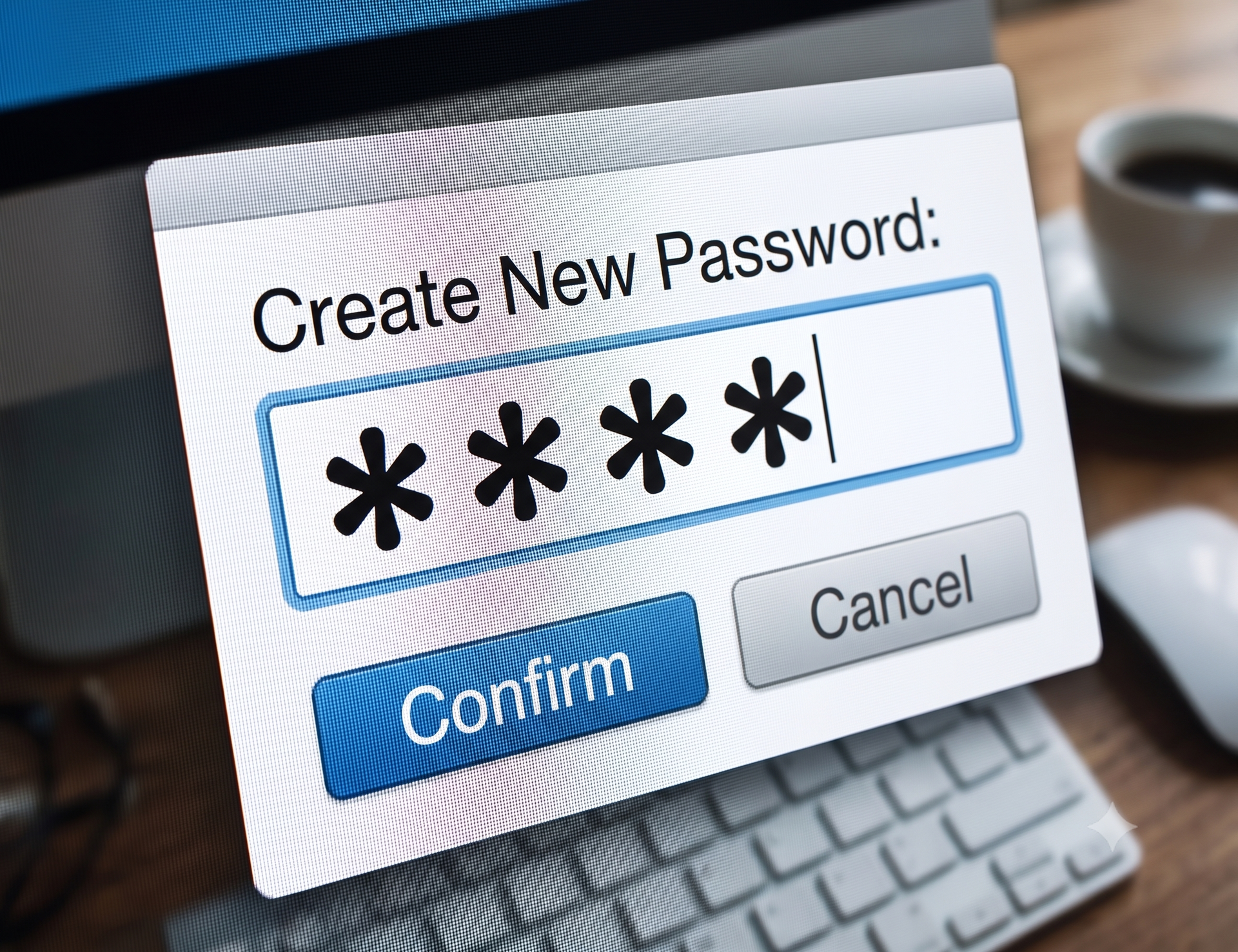
This is the second possibility – that the virus is not on your computer, but instead, your email password has been “Hacked” or discovered by someone else. The solution to this problem is the simplest: Change your password. It will not likely be hacked again – at least, not quickly.
After changing your password, determine whether your friends continue to receive the messages that may have alerted you to the problem in the first place. If those messages stop, then you’ve taken care of the problem.
However, if your friends continue messages you did not send, then you likely have a virus on your computer, and you need to go back to the previous section – A Virus on Your Computer.